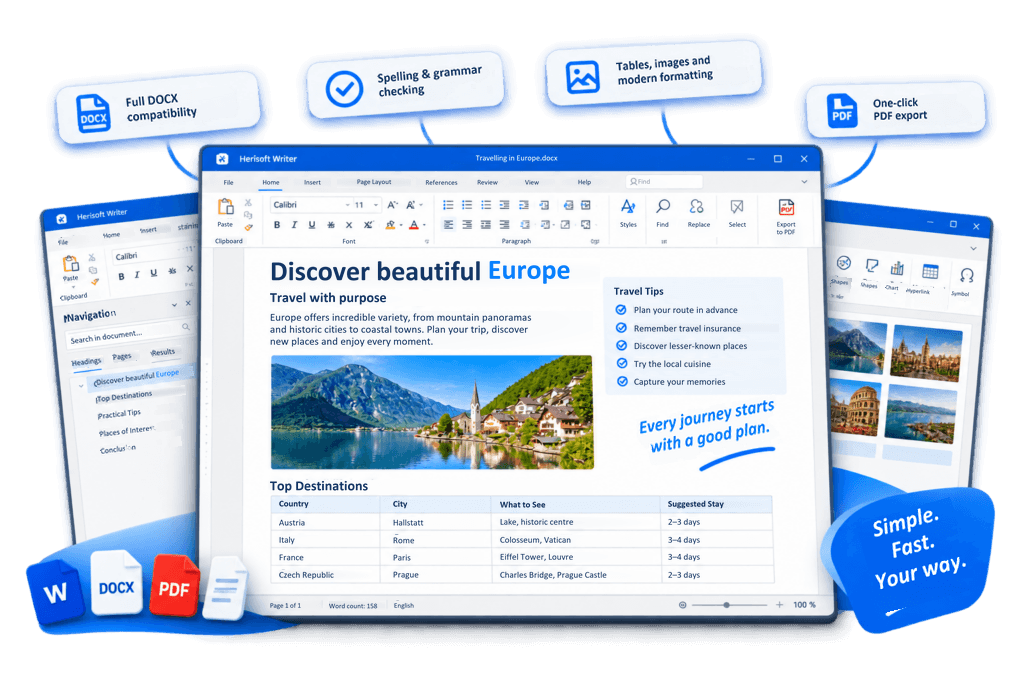
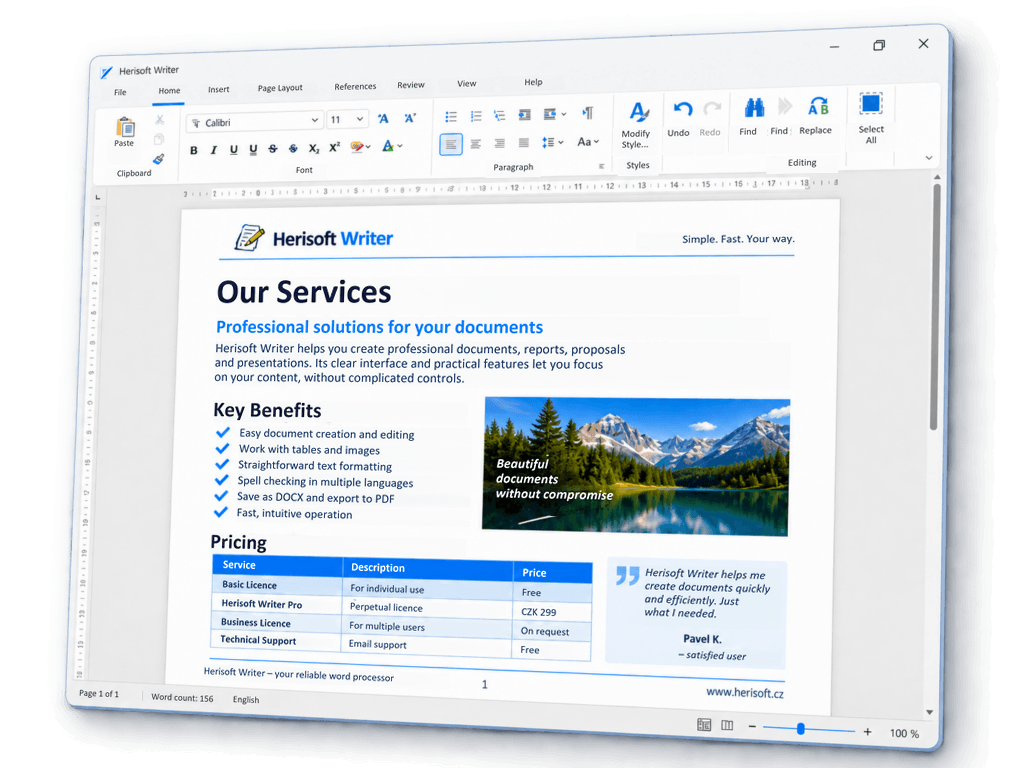
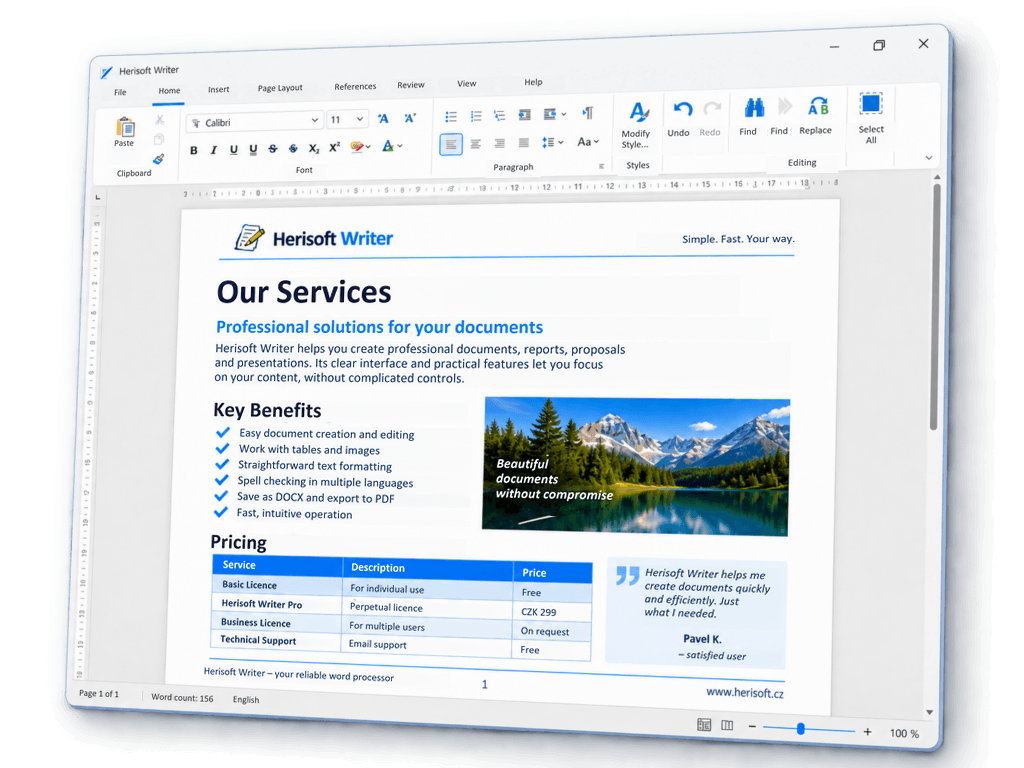
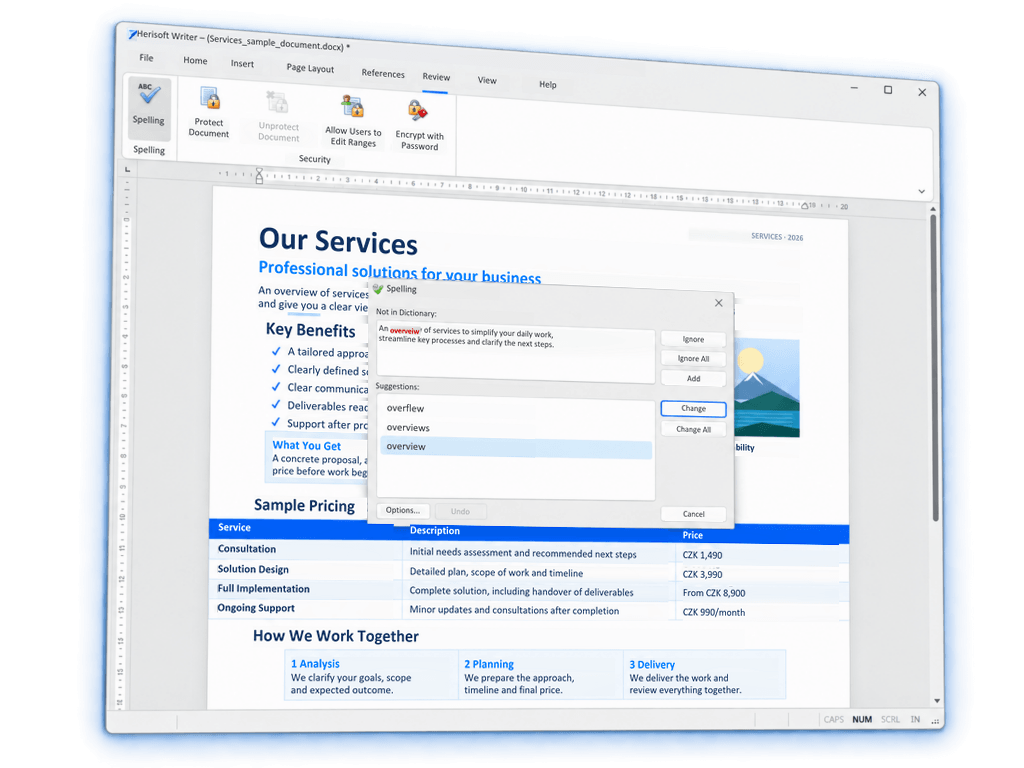
Write and edit documents in an easy-to-use word processor for Windows. Herisoft Writer supports DOCX documents, tables, images, spell checking, printing and PDF export.
Herisoft Writer offers a familiar, straightforward interface for everyday document editing. Format text, create lists, insert images and tables, and prepare your document for printing or PDF export
Straightforward text formatting
Bulleted and numbered lists
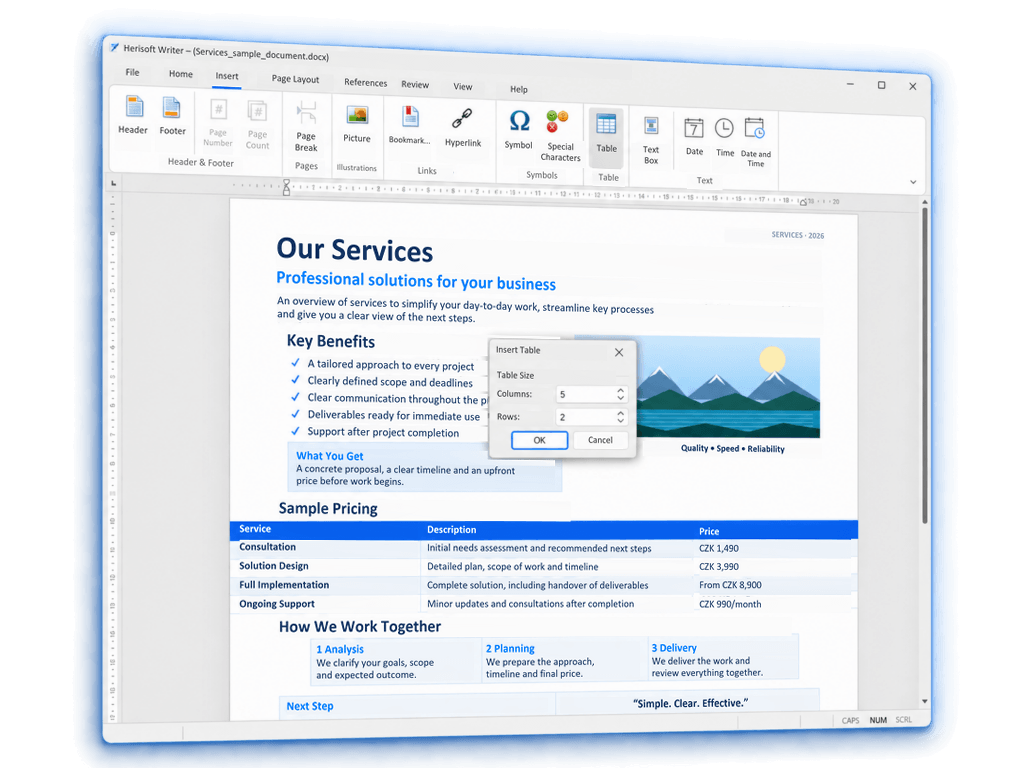
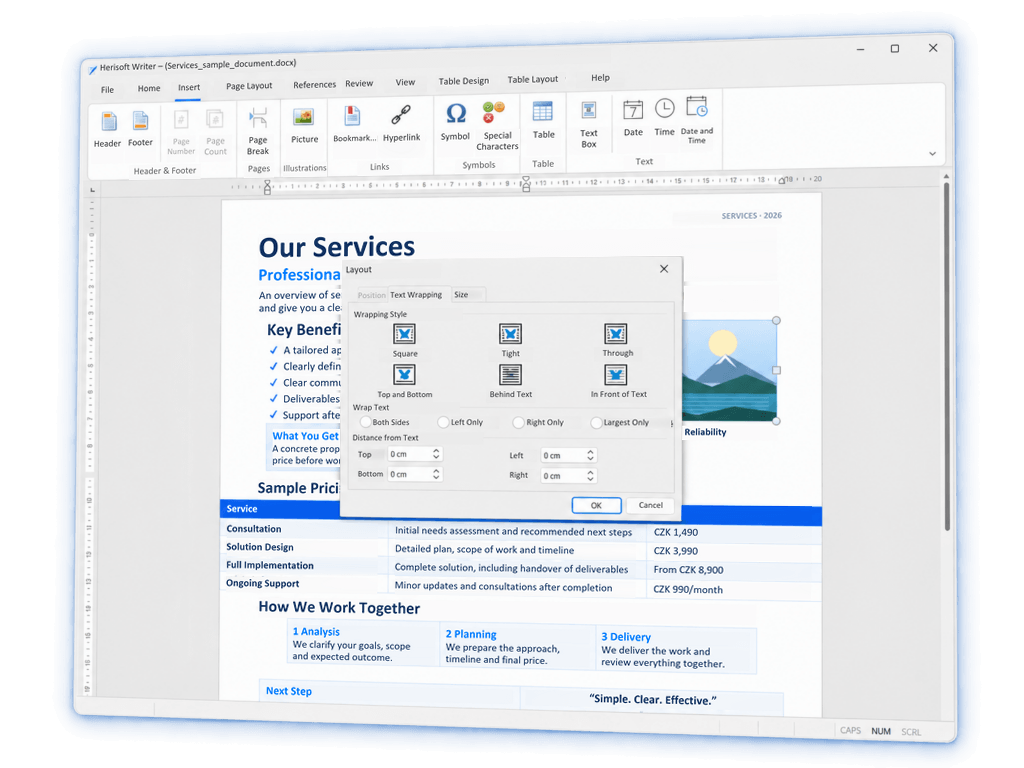
Tables and images
Headers and footers
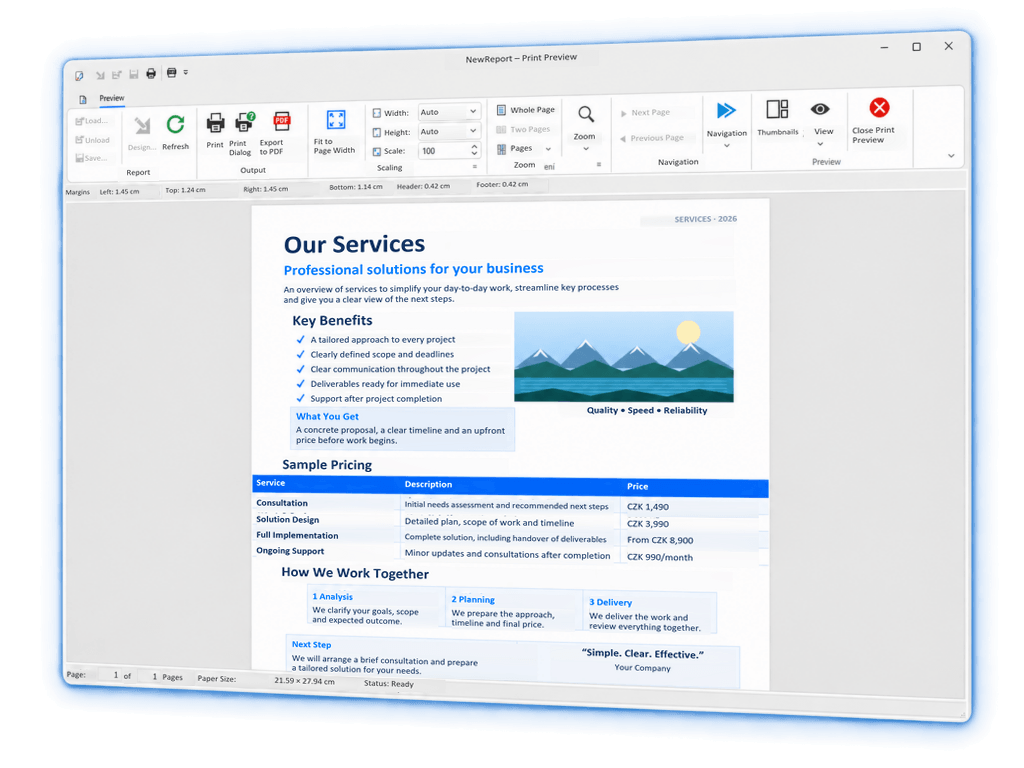
Print preview and PDF export
WORKING WITH DOCUMENTS
Open the documents you already have
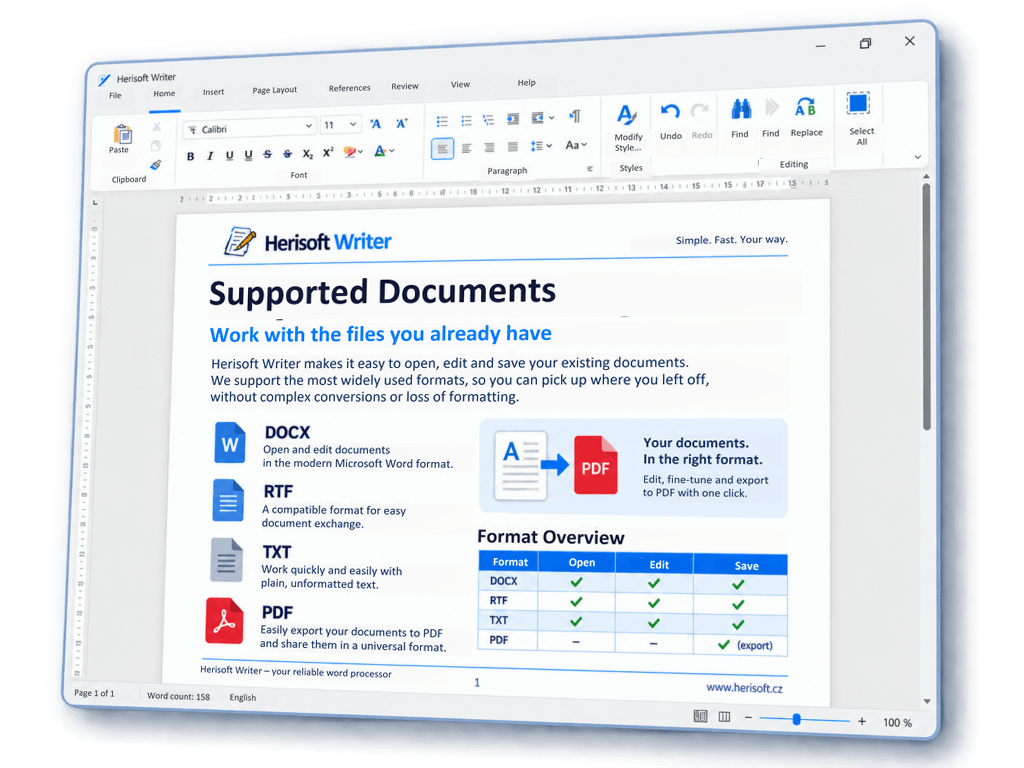
Herisoft Writer lets you open and edit common document formats, including DOCX, RTF, TXT and HTML. You can also export your finished document to PDF. There is no need to start from scratch — simply continue working with your existing files.
DOCX
Open and edit
RTF
Open and edit
TXT
Open and edit
PDF
Export documents
HTML
Open and edit
WHY HERISOFT WRITER
Everything you need for everyday document editing
An easy-to-use word processor for Windows, focused on practical, everyday document editing
Fast and Simple
A clear interface without unnecessary complexity
No Subscription
Pay once for Pro. No monthly or annual payments
Built for Windows
A desktop application ready for everyday use.
13 Languages
Use Writer in English and 12 other languages.
HERISOFT WRITER PRO
Get to work without waiting. No subscription.
Pay once. Writer is yours to keep.
Pro removes the startup delay and upgrade reminders. Pay once — no subscription required.
Start Without Waiting
Open Writer and get straight to work.
No Upgrade Reminders
Work without unnecessary interruptions.
One Payment, No Subscription
No monthly or annual fees.
A License That Never Expires
Your purchased license will not expire after a year
Your activation code will be emailed to you after payment.
Yes, Herisoft Writer is available in a free version. After 25 launches, a notification will start appearing that you can dismiss after five seconds. You can continue using all of the program’s features without restrictions.
For a one-time payment of 14.99 USD, you get a license that never expires, covers an unlimited number of your own computers and includes all future updates. The license is transferable — you can use the same code on a new computer or after reinstalling. There is no subscription and no additional charge for updates.
After successful payment, your code will be sent to the email address you provided at checkout. Enter it directly in the application. If you cannot find the message in your inbox or spam or bulk mail folders, contact info@herisoft.cz and include the email address you used for your purchase.
HERISOFT WRITER PRO WINDOWS
Try Herisoft Writer for Free
Start working with your documents in minutes. Writer is available for Windows and supports Czech and other languages.