

A practical Windows guide
Write, edit and export documents without an unnecessary subscription
Need to write a letter, school assignment, quote or resume, but do not want a recurring subscription? If you are looking for a free word processor for Windows, Herisoft Writer gives you a clear desktop environment for everyday documents.
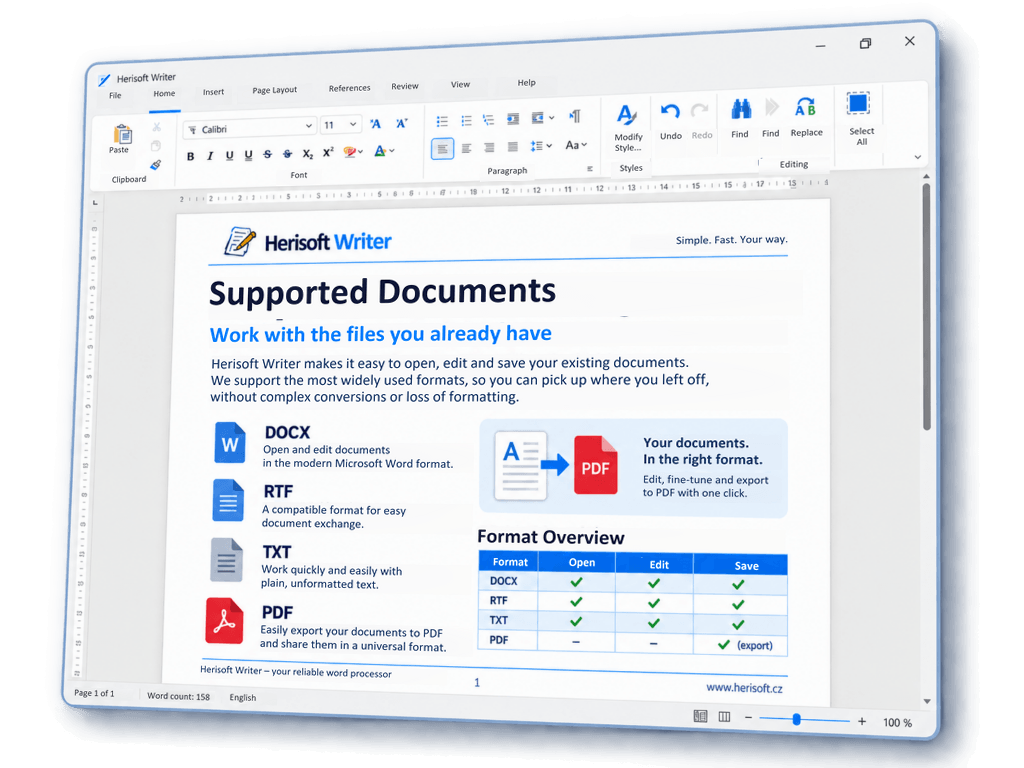
Short answer: Herisoft Writer is a practical word processor for Windows that lets you create, open and edit DOCX, RTF, TXT and HTML files. It combines familiar formatting tools, styles, lists, tables, images, spell checking, print preview and PDF export in one lightweight application.
A free word processor for Windows may be all you need for everyday writing. Herisoft Writer is designed for people who want to open a document, make it look professional and save or print it without a complicated setup.
Free word processor for Windows: who is Herisoft Writer for?
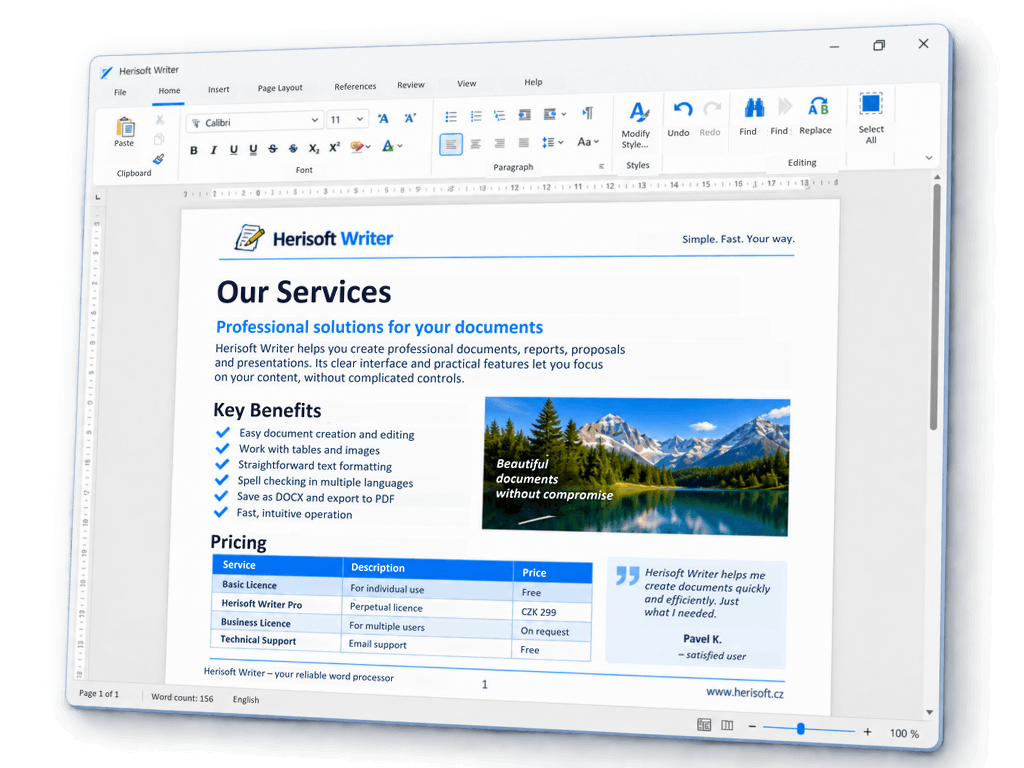
Herisoft Writer is a good fit when you need to write and format documents on a Windows computer without learning a complex office suite. It can help with letters, invoices, school work, meeting notes, project documentation, resumes and other documents where a clean result matters.
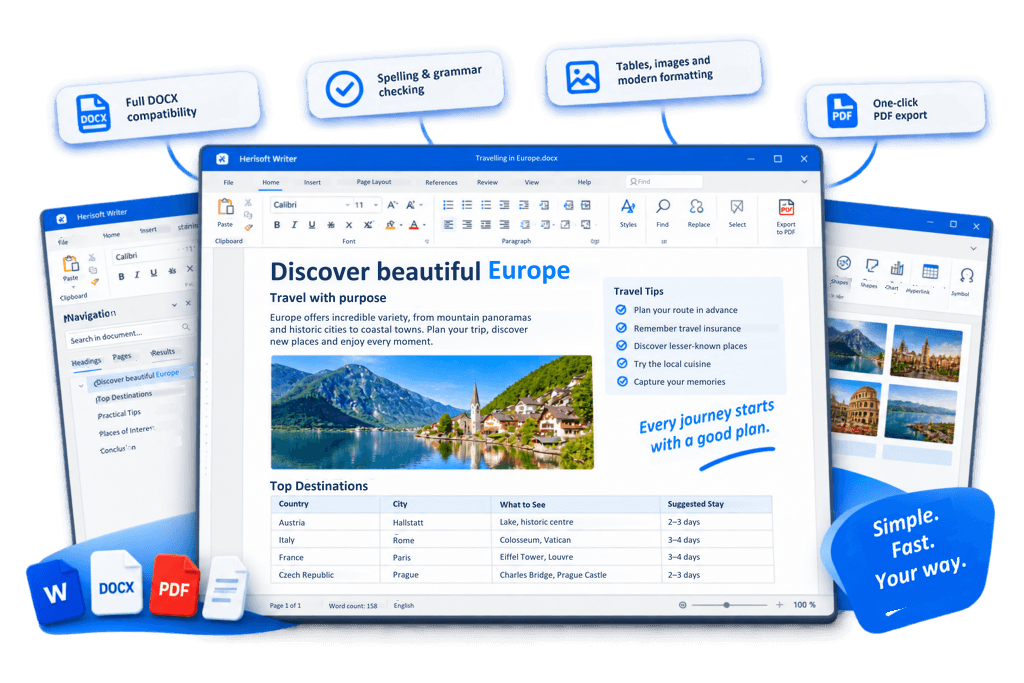
DOCX without Word
Open and edit common DOCX files even when Microsoft Word is not installed.
Professional documents
Use headings, lists, tables, images and page layout tools to make content easier to read.
PDF in one step
Prepare a final layout, check it in print preview and export a shareable PDF.
Open and edit a DOCX file without Microsoft Word
Received a DOCX attachment but do not have Word on the computer? Herisoft Writer is built for this everyday situation. Open the file, review the formatting, make your changes and save the finished document in the format you need.
- Start Herisoft Writer and choose Open.
- Select the DOCX file from your computer.
- Make changes to text, headings, lists, tables or images.
- Save the document again or export it as a PDF.
From plain text to a professional document
A good word processor should help you communicate clearly, not distract you with unnecessary complexity. Writer gives you the building blocks for a polished document:
- headings and paragraph styles for a clear structure,
- bulleted and numbered lists for instructions or notes,
- tables for prices, schedules and comparisons,
- images for reports, guides and presentations,
- headers, footers, tabs and columns for a more organised page.
Spell checking and fast text changes
Small mistakes can undermine an otherwise professional document. Herisoft Writer includes spelling support to help you catch errors while you work. For longer documents, search and replace can quickly update a name, date, product code or repeated phrase throughout the file.
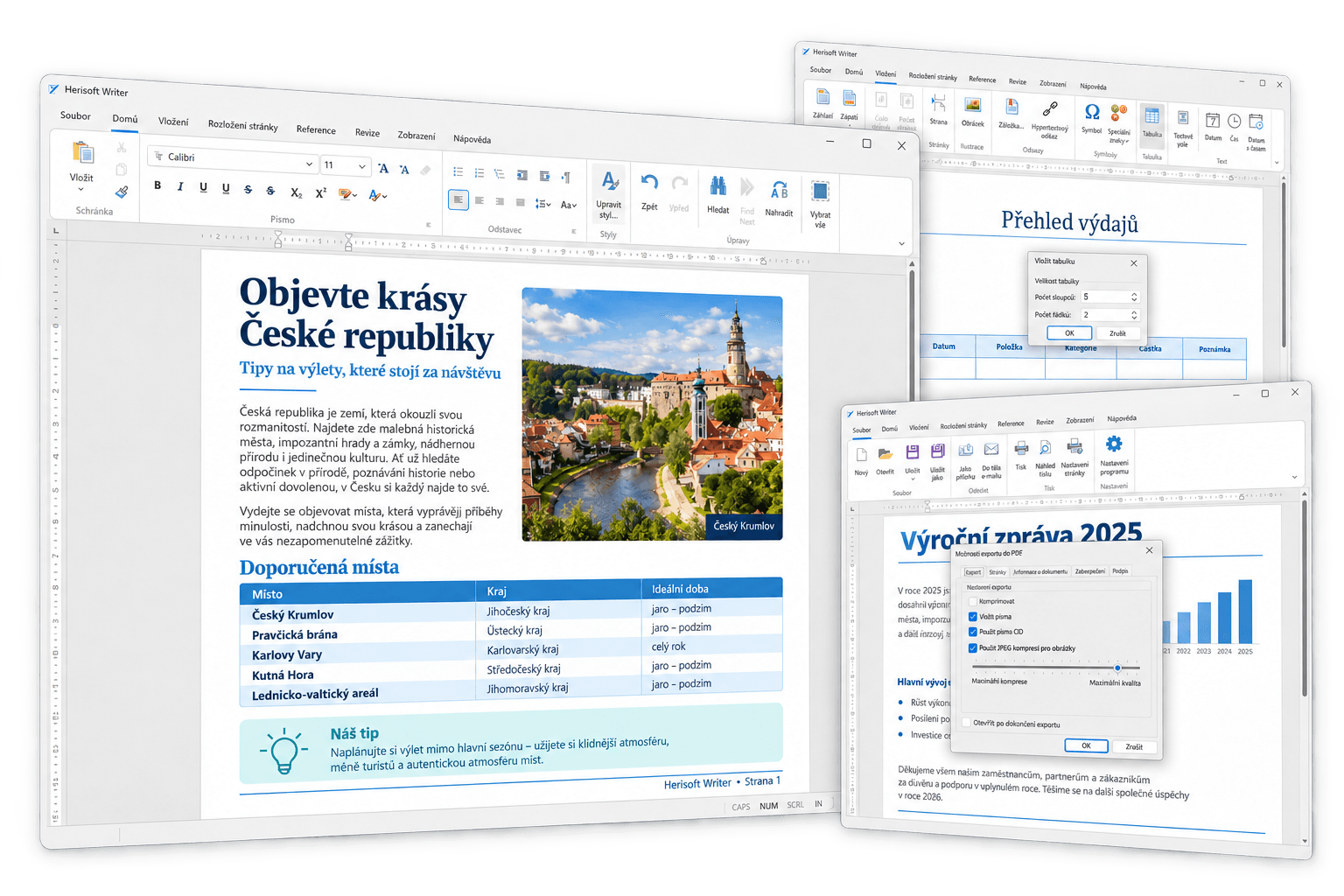
Prepare a document for printing or PDF
Before you send a document, you want to know how it will look on the page. Use print preview to check page breaks, spacing and the position of images. When the layout is ready, export the document to PDF for reliable sharing with colleagues, customers, teachers or public offices.
Herisoft Writer, Word Online, Google Docs or LibreOffice?
Every tool has its place. Online services such as Microsoft Word for the web and Google Docs are useful when collaboration in a browser is the priority. LibreOffice offers a broad office suite with many advanced features. Herisoft Writer is a focused choice when you want a lightweight Windows word processor for opening, editing and exporting everyday documents.
| What matters | Herisoft Writer | Online tools | Full office suites |
|---|---|---|---|
| Works as a Windows app | Yes | Usually browser-based | Yes |
| Open DOCX files | Yes | Yes | Yes |
| PDF export | Yes | Depends on service | Yes |
| Focused on documents | Yes | Varies | Part of a larger suite |
If you need live multi-user collaboration, macros, mail merge or a complete spreadsheet and presentation suite, an online service or full office package may be a better fit. For focused document work on Windows, Writer keeps the workflow simple.
Frequently asked questions
Is Herisoft Writer free?
Herisoft Writer is available as a free word processor for Windows. Download it and try the core document workflow for yourself.
Can I open DOCX files without Microsoft Word?
Yes. Writer is designed to open and edit DOCX files, so you can work with common documents even when Word is not installed.
Does Writer include spell checking?
Yes. Spelling support helps you review text and catch common mistakes before you print or share a document.
Can it create PDF files?
Yes. After reviewing the layout, you can export a document as a PDF for reliable sharing and printing.
Is it suitable for resumes or school work?
Yes. Headings, lists, tables, images and page layout tools make Writer suitable for resumes, assignments, reports and everyday business documents.
Try a focused word processor for Windows
Open your next DOCX file, make the changes you need and export the finished document as a PDF.