

Náhrada za WordPad ve Windows 11: otevřete své dokumenty v Herisoft Writeru
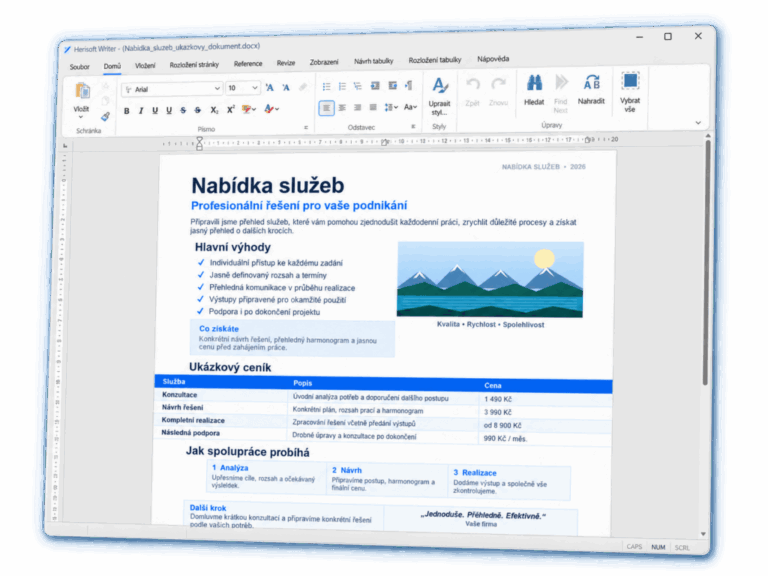
WordPad od Windows 11 24H2 chybí. Zjistěte, jak ho nahradit Herisoft Writerem, otevřít své RTF dokumenty a pokračovat v psaní, úpravách i tisku.
Guides to opening, editing and using DOCX files without Microsoft Word.
WordPad od Windows 11 24H2 chybí. Zjistěte, jak ho nahradit Herisoft Writerem, otevřít své RTF dokumenty a pokračovat v psaní, úpravách i tisku.
Praktický průvodce pro Windows Pište, upravujte a exportujte dokumenty bez zbytečného předplatného Potřebujete napsat dopis, školní práci, nabídku nebo životopis, ale nechcete platit pravidelné předplatné? Pokud hledáte textový procesor pro Windows zdarma, Herisoft Writer vám umožní vytvářet a upravovat běžné…
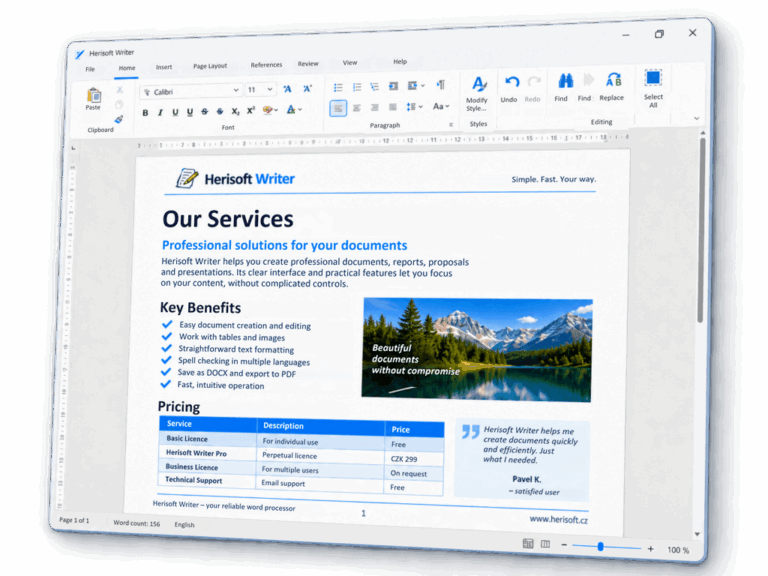
Praktický průvodce pro Windows Jak převést DOCX do PDF ve Windows bez rozházeného rozložení Zjistěte, jak vytvořit čisté PDF z dokumentu DOCX rychle, bezpečně a bez zbytečného nahrávání souborů na internet. Vyzkoušet Herisoft Writer zdarma → Od DOCX k PDF…
Alternativa Wordu pro Windows – praktický průvodce Nejlepší bezplatná alternativa k Microsoft Wordu pro Windows Porovnejte možnosti pro psaní, DOCX, práci offline i export do PDF a zjistěte, kdy vám může stačit lehký textový procesor. Vyzkoušet Herisoft Writer zdarma →…
Praktický průvodce pro Windows Jak otevřít soubor DOCX bez Microsoft Wordu ve Windows Zjistěte, jak dokument DOCX otevřít, upravit a uložit offline — bez nutnosti kupovat Microsoft Word nebo nahrávat soubor na internet. Vyzkoušet Herisoft Writer zdarma → Otevření DOCX…